Bristol
Importing Artworks from Artlogic
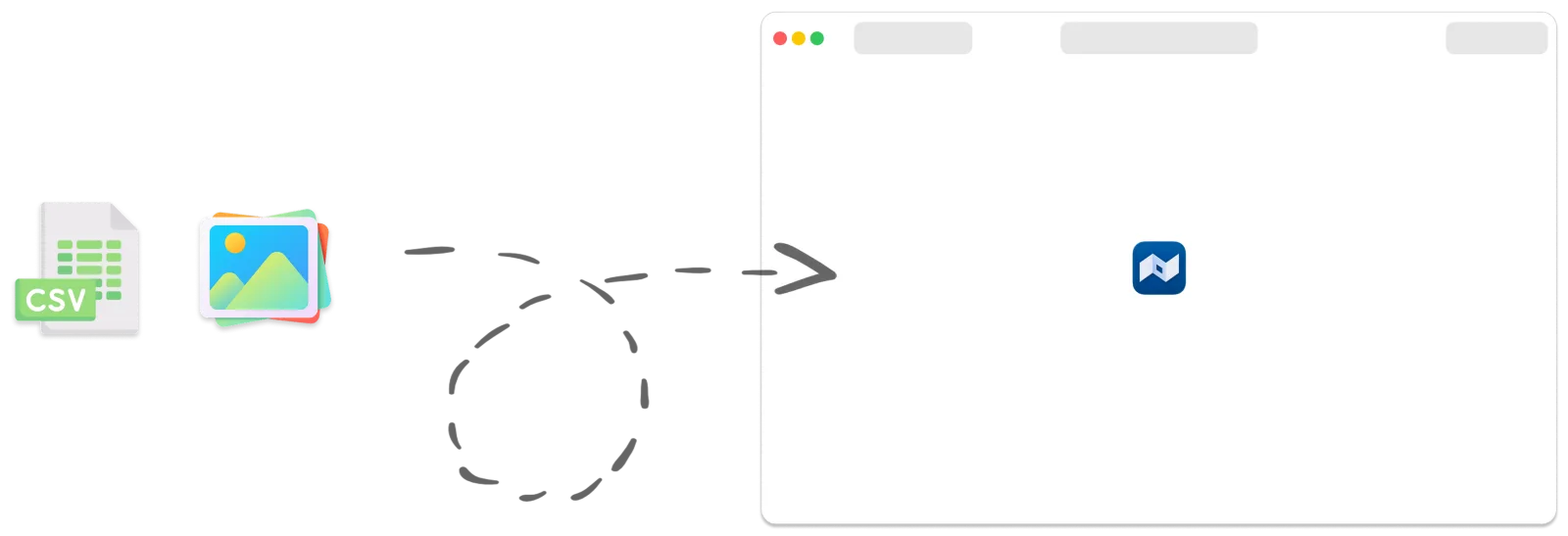
To import artworks into Bristol, you’ll need:
- A CSV file containing your artwork data (title, dimensions, etc.)
- Pictures of the artworks. Each picture’s filename must include the artwork’s inventory number
Exporting from Artlogic
Section titled “Exporting from Artlogic”
Export the CSV file
Section titled “Export the CSV file”In Artlogic, go to:
Artworks > Create… > Export…

Export the pictures
Section titled “Export the pictures”Picture exports require the Artlogic Chrome extension.
Follow this guide: https://support.artlogic.net/hc/en-gb/articles/360008576799-How-to-download-images-in-bulk
Importing into Bristol
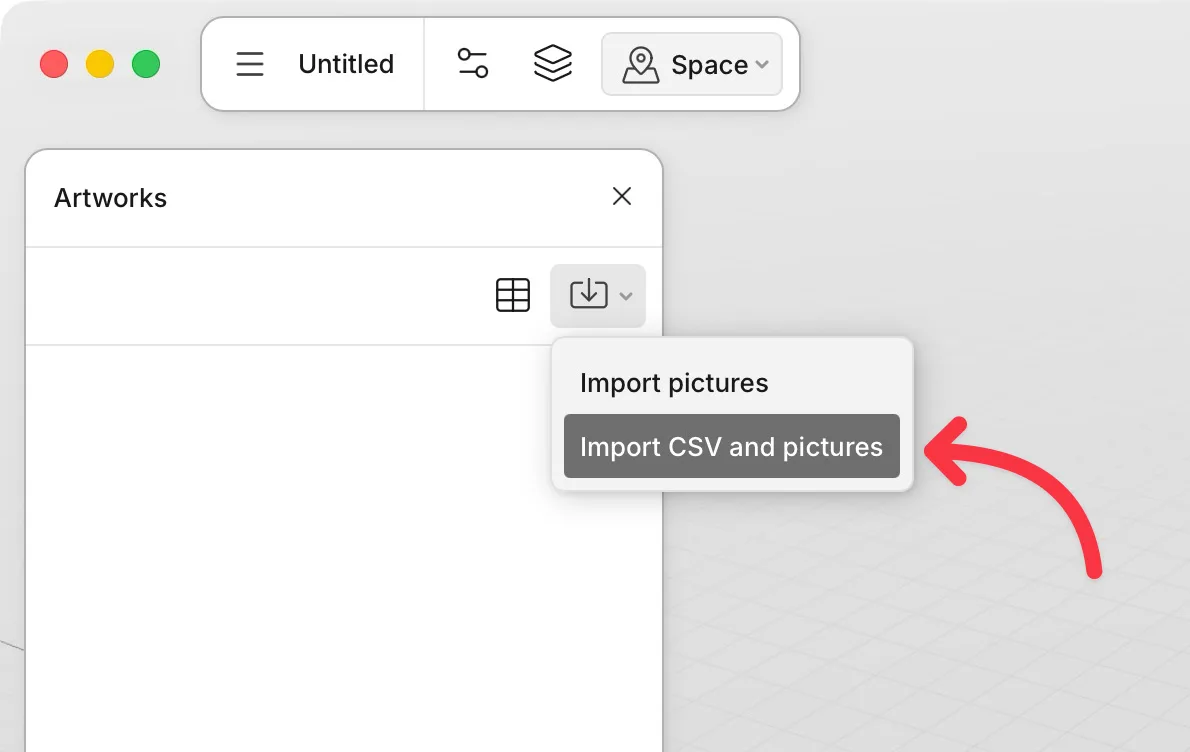
Section titled “Importing into Bristol”In Bristol, open the Artworks panel, then go to:
Import > Import CSV and pictures
- Drop your files onto the corresponding fields, then click Continue.
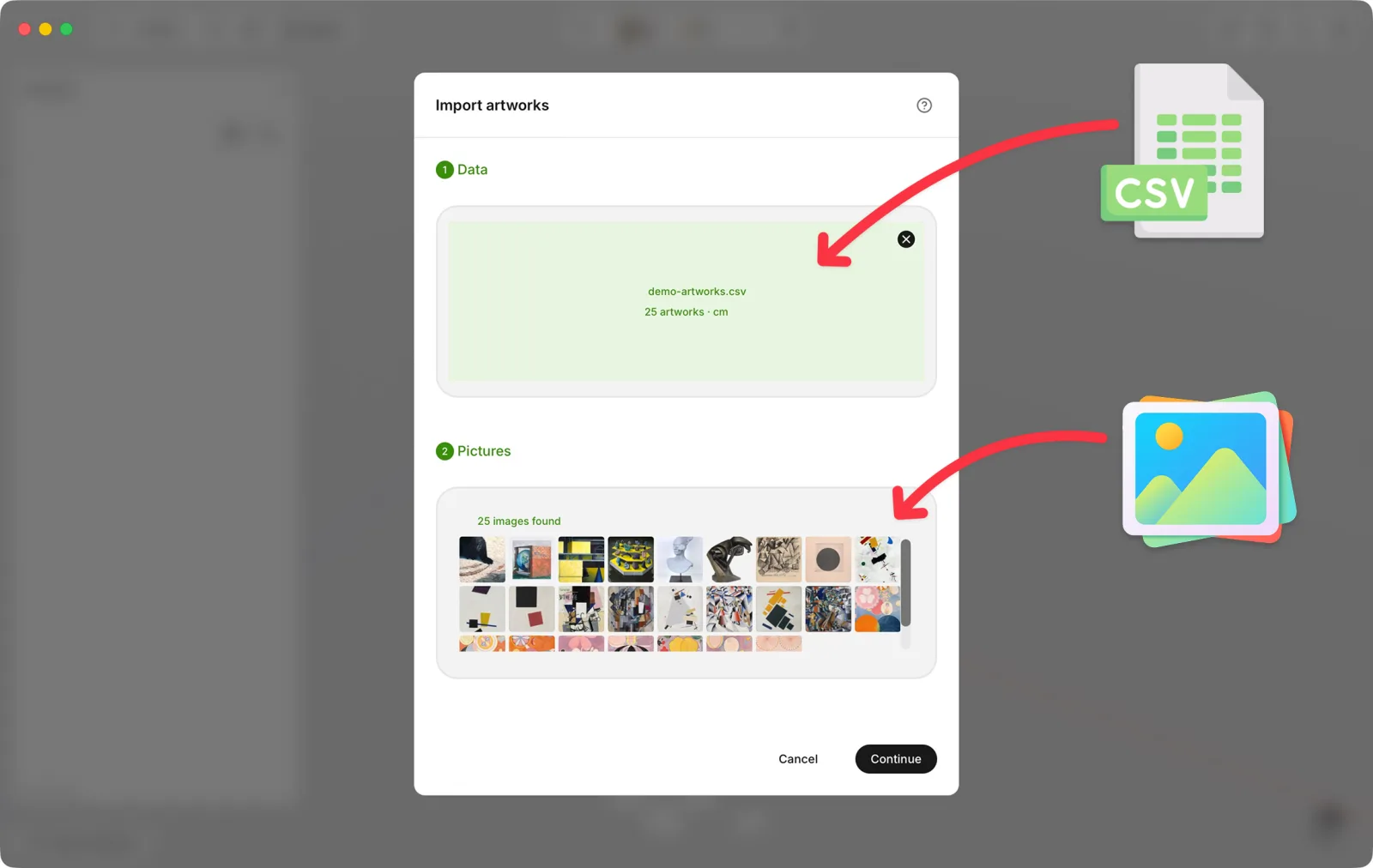
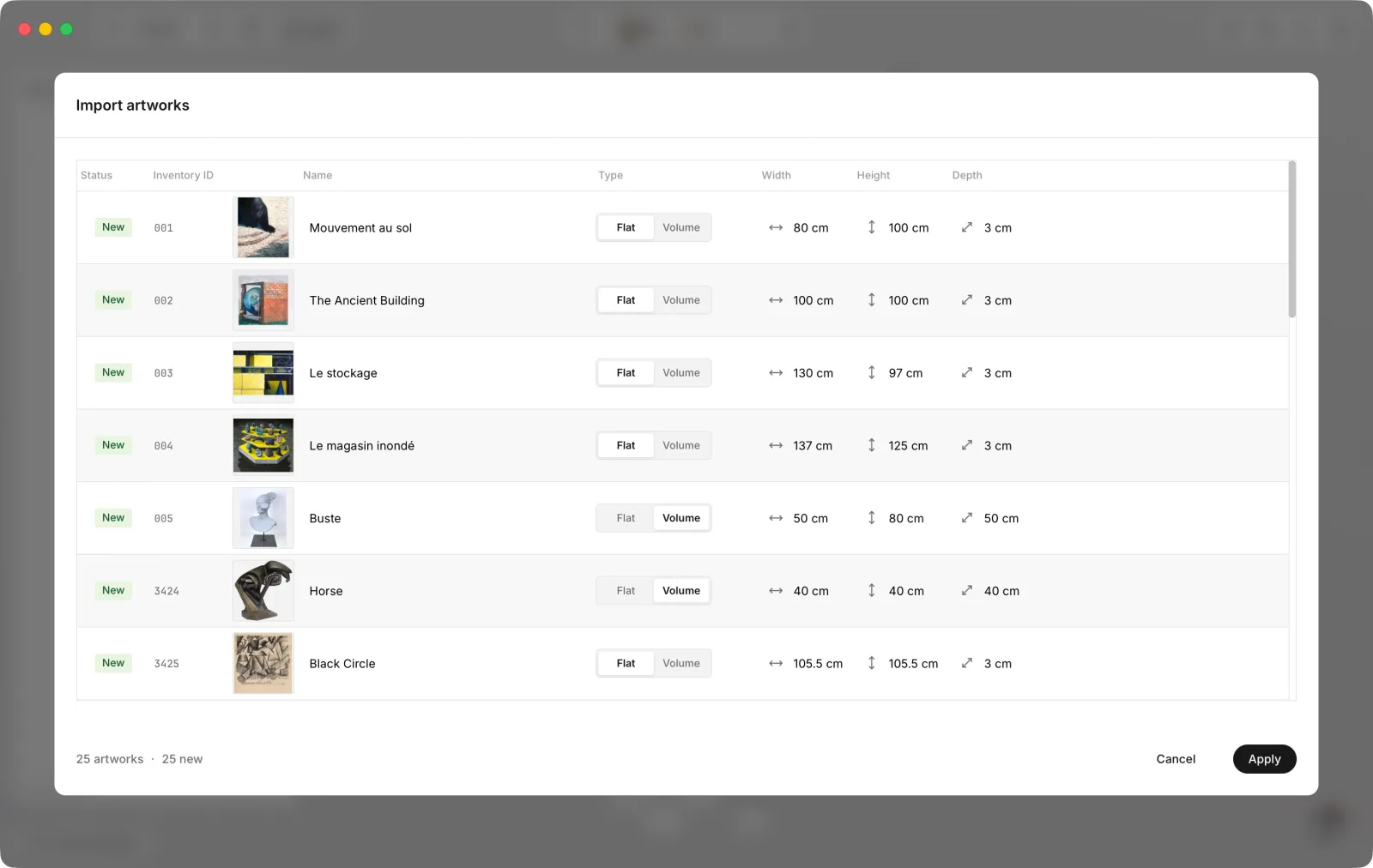
- Review and adjust the values if needed, then click Apply.